Publora vs Hypefury: Honest Review and Best Hypefury Alternative for 2026
TL;DR
Comparing Publora vs Hypefury for creators who outgrew X-only tools. Honest pros and cons, pricing reality, and why creators are moving to multi-platform schedulers in 2026.
TL;DR
Hypefury is a strong tool for creators whose entire world is X (Twitter). It has been one of the most popular X automation suites for years, with deep features for auto-plugs, viral inspiration, and sales integrations. But the modern creator is rarely just on X — most of us run LinkedIn, Threads, Instagram, Bluesky, and more. Publora is built around the multi-platform reality of 2026: ten networks covered with the same care, AI that learns from your own past posts, and per-account pricing that stays predictable as you add accounts. This is a clean comparison for creators trying to decide whether Hypefury is still the right tool — or whether it is time to move on.
Why Creators Are Looking for a Hypefury Alternative
Hypefury built its reputation on X (Twitter) automation. For years, if you wanted auto-retweets, evergreen tweets, viral inspiration libraries, and Gumroad sales integrations, Hypefury was the most polished option. It still does those things well.
The problem is that the world around X has changed. Three things in particular.
Audiences have spread out. The same creator who used to live on X now also runs LinkedIn for thought leadership, Threads for conversational reach, Instagram for visual storytelling, and Bluesky for the developer crowd. The center of gravity is no longer one platform — it is four or five. Hypefury added support for those platforms, but the product was built around X, and that shows in the workflow.
Pricing has climbed. Hypefury's lowest plan starts at a higher monthly rate than most of the alternatives, and key features like the viral inspiration library and higher post limits are gated behind the more expensive tiers. For a single creator running one X account, this is fine. For a creator running five accounts across four platforms, the bill becomes uncomfortable.
The "viral copy" approach has aged. Hypefury's signature feature was a library of handpicked viral tweets you could remix and post. That worked when X audiences rewarded familiar viral patterns. In 2026, audiences increasingly recognize and discount obviously remixed content. The creators who outperform are the ones writing original posts grounded in their own experience and data.
None of this makes Hypefury a bad product. It makes Hypefury a tool that solves a 2021 problem in 2026. The rest of this article is an honest look at what Hypefury still does well, what specific cases call for an alternative, and how Publora compares.
What Is Hypefury?
Hypefury is a social media management and automation tool that started as a Twitter-focused product. Over time it expanded to LinkedIn, Threads, Instagram, Facebook, and TikTok, but its core identity remains X-first. The product is designed for solo creators and personal brands who treat X as their primary distribution channel.
Hypefury's strength is its automation depth on X. The product handles auto-retweets, scheduled threads, recurrent posts, evergreen tweets that get re-shared automatically, auto-plugs (a kind of automated first-comment promotion), auto-DMs to new followers, and integrations with Gumroad for selling digital products directly from tweets. For creators who treat X as a sales channel, this depth of automation is real.
Hypefury's Best Features
- Viral inspiration library. A handpicked collection of tweets from other creators you can remix and post. Useful for creators who feel stuck.
- Auto-retweet and evergreen. Old tweets get re-shared automatically based on a schedule, keeping your timeline active without daily effort.
- Auto-plug. When a tweet performs well, Hypefury can automatically post a follow-up reply promoting your newsletter, product, or call-to-action.
- Auto-DM. Up to 400 daily auto-DMs on the highest tier — a feature loved by some and criticized by others.
- Tweet-to-Reels. Convert tweets into vertical video format for Instagram Reels and TikTok. Limited per month, but useful for repurposing.
- Gumroad integration. Sell digital products directly through tweets. Strong for creators with productized expertise.
- Engagement Builder. A feature that surfaces tweets from accounts you want to engage with, helping you build relationships at scale.
- Ghostwriter access. Invite a virtual assistant to draft tweets on your behalf — useful for creators with budget for support.
Hypefury's Pricing Model
Hypefury has four paid tiers — Starter, Creator, Business, and Agency — with prices climbing significantly between them. Each tier adds longer scheduling horizons, more X auto-DMs per day, more tweet-to-reel conversions, and more accounts. The viral inspiration library and the deepest automation features are gated to the higher tiers.
There is a 7-day free trial but no permanent free plan. For a solo creator on a single X account, the Starter tier is reasonable. For anyone managing multiple accounts or needing the viral library, the bill increases quickly.
Hypefury Pros and Cons
Pros
- Deepest X automation suite on the market
- Strong sales features (Gumroad integration)
- Viral inspiration library for stuck creators
- Tweet-to-Reels for repurposing
- Engagement Builder for relationship building
- Active product development
Cons
- Pricing climbs steeply between tiers
- X-first design — other platforms feel secondary
- No permanent free plan, only a trial
- Viral library encourages remixed content over original
- No dedicated workspaces for agencies
- Auto-DM features can feel spammy if overused
The Best Hypefury Alternative Is Publora
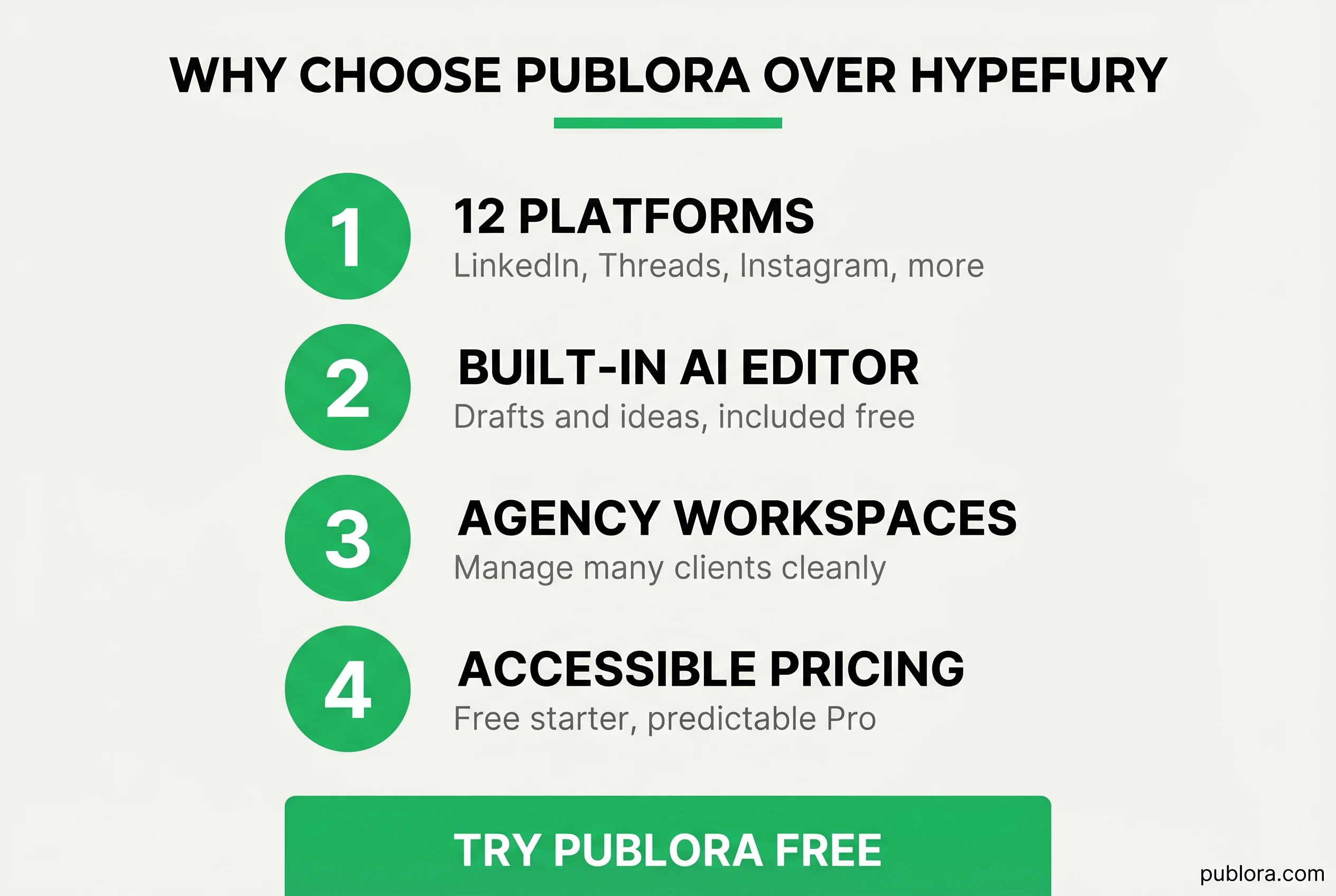
Publora is a social media management platform built around the multi-platform reality of modern creators. It covers ten networks — LinkedIn, Threads, Instagram, X, Bluesky, TikTok, YouTube, Facebook, Mastodon, and Telegram — with a single composer and a single calendar. Where Hypefury treats X as the center of the universe, Publora treats every platform as equal.
Here is what Publora does differently in practice.
Ten Platforms Treated Equally
This is the headline difference. When you write a post in Hypefury, the workflow assumes X first — the character counter, the threading logic, the auto-plug logic. When you write a post in Publora, the composer adapts to whatever platform you target. LinkedIn posts get long-form formatting and document support. Instagram posts ask whether you want a feed photo, a carousel of two to ten images, a Reel, or a Story. Threads posts auto-thread anything over 500 characters and can attach carousels. Telegram posts preserve full markdown.
The practical effect is simple: you stop "translating" content across tools. One composer, ten platforms, the right format applied automatically. Smart Validations catch platform-specific issues — wrong image format for Instagram, video too long for Reels, character limits for X — before they hit the publish button.
AI That Learns From Your Posts, Not Other People's
This is the single biggest creative difference. Hypefury's viral inspiration library shows you tweets that worked for other creators. Publora's AI Idea Generator looks at your own past high-performing posts and suggests new content directions specific to your audience and your voice.
The shift sounds small but feels different in practice. Remixing what worked for someone else produces content that sounds like everyone else. Building on what worked for you produces content that sounds like you — which is what audiences actually want from a personal brand. Combined with the AI Editor that drafts and refines posts, you go from a blank screen to a scheduled post without copying anyone's playbook.
The shift: from "remix what worked for other creators" to "build on what worked for you." Modern audiences reward the second one.
Dedicated Workspaces for Agencies and Multi-Brand Creators
Hypefury's most expensive tier is called Agency, but the product itself does not have true workspace separation. If you are managing four clients, you end up using a mix of sub-accounts and tag systems to keep them separate. It works but it is messy.
Publora's dedicated workspaces give every client or brand its own isolated environment — separate accounts, separate content, separate analytics. You can give a client view-only access to their own workspace, or give a teammate edit access across multiple workspaces. Centralized billing means the agency pays one invoice while each client stays cleanly walled off.
For creators running both a personal brand and a company, or for small agencies managing five to twenty client accounts, this single feature is usually the deciding one.
Per-Account Pricing That Doesn't Climb
Hypefury's pricing tiers add features and account limits in chunks, with significant jumps between them. If you outgrow a tier mid-month, you upgrade to the next one and pay for capacity you don't yet need.
Publora's pricing is intentionally flat. The free Starter plan covers one account, fifteen posts a month, and every platform except X — enough to validate the workflow without paying anything. The Pro plan adds a flat monthly rate per account, with no per-channel surcharges and no jumps when you add a fifth or sixth account. The Premium plan does the same with higher post limits and bigger video uploads.
For creators running three to eight accounts, Publora's monthly bill is typically a fraction of Hypefury's equivalent tier — and the math stays predictable as you add platforms.
A Mind-Blowing Editor for Every Format
Hypefury's composer is built around tweets and threads. For Instagram and TikTok, it adds tweet-to-reels conversion as a separate feature with monthly limits. The mental model is "X first, other platforms as repurposing destinations."
Publora's composer treats every format as first-class. Text posts, image posts, carousels of up to ten images, video uploads up to 250 MB on Premium, Stories, Reels, and platform-specific formats all live in the same editor. Previews show how the post will render on each network before you schedule it. There is no separate "convert to other platform" step — the post is built once with the right options for each destination.
Real Use Cases: Who Switches and Why
Pricing comparisons matter, but the real decision is usually "does this fit how I work?" Here are three common scenarios.
The X-Native Creator Going Multi-Platform
You built your audience on X. You grew to twenty thousand followers using Hypefury's auto-retweet and viral inspiration features. Now you want to plant the same brand on LinkedIn (where the buyers are) and Threads (where the conversation is moving). Hypefury technically supports these platforms, but the workflow keeps pulling you back to X — character limits, auto-plug logic, library suggestions all assume X.
For this creator, switching to Publora is mostly about the composer treating LinkedIn and Threads as equal citizens, not as repurposing destinations. The AI Idea Generator surfaces topic directions that work across platforms. The bill stays the same as you add accounts.
The Small Agency With Eight Client Accounts
You run a small agency. Eight clients, each with their own brand and their own platforms. On Hypefury, you have been juggling sub-accounts, separate logins for some clients, and a spreadsheet to remember what is scheduled where. The Agency plan is expensive and still does not give you true workspace separation.
For this agency, dedicated workspaces are the deciding feature. Each client gets a clean environment. Permissions let your account managers work in their assigned clients without seeing the others. Billing is one predictable monthly invoice. The migration usually takes a weekend, one workspace at a time.
The Creator Stepping Away From "Viral Remix" Content
You have been on Hypefury for two years. The viral library helped you grow early on, but lately the engagement has plateaued. You have noticed that the posts that perform best are the ones grounded in your own stories — not the remixed viral templates. You want a tool that helps you build on what actually works for you, not what worked for someone else.
For this creator, Publora's AI Idea Generator and the absence of a "copy other creators" feature are the win. The product nudges you toward original content. Combined with multi-platform support, you can take the topics that are working on X and naturally extend them to LinkedIn and Threads.
Publora's Pricing
Publora has three plans, designed to be predictable rather than maze-like.
- Starter (free forever). One social account, fifteen posts per month, every platform except X, video uploads up to 50 MB, full AI Editor and AI Idea Generator. No credit card.
- Pro. Per-account flat monthly rate. One hundred posts per account per month, all ten platforms supported (including X), scheduling up to two months ahead, video uploads up to 100 MB.
- Premium. Same per-account model. Five hundred posts per account per month, video uploads up to 250 MB, priority support, custom feature requests.
The Pro and Premium plans use flat per-account pricing — you add as many accounts as you need, each billed at the same rate, with no per-channel surcharges. For a creator running four accounts on Pro, the bill is four times the per-account rate. There are no enterprise quotes, no contact-sales gates, and no surprise jumps.
Migration in Five Minutes
Switching from Hypefury to Publora is intentionally low-friction. Here is the actual process.
- Create a free Publora account at publora.com/register. No credit card, no commitment.
- Connect your social accounts via OAuth. X requires the Pro plan; the rest work on the free plan. The OAuth flow is the same one you used in Hypefury.
- Copy your existing scheduled posts into Publora's composer. The AI Editor can rewrite or refine while you import. Hypefury's existing scheduled posts continue running until they publish, so there is no gap.
- Test a few posts across LinkedIn, Threads, and X. Smart Validations will catch any format issues before publishing. Verify the posts go out correctly.
- Cancel Hypefury once you are confident. Most creators run both side by side for a week before fully switching.
Total time for most creators is under thirty minutes. Agencies with multiple clients can do it over a weekend, one workspace at a time.
Final Verdict: When to Choose Each
Both tools work. The decision comes down to where your audience is and how you want to grow.
Hypefury is the right choice if you...
- Live entirely on X and have no plans to leave
- Sell digital products through Gumroad integrations
- Use auto-DMs and auto-retweets as core distribution
- Want the deepest X-specific automation suite
- Lean on viral inspiration libraries for content ideas
Publora is the right choice if you...
- Run three or more platforms (LinkedIn, Threads, IG, etc.)
- Want AI that learns from your own posts, not other creators
- Manage multiple clients or brands
- Need predictable, flat per-account pricing
- Use carousels, Reels, Stories — not just text/threads
- Want a free plan to test before paying
For most creators in 2026 — especially anyone publishing to three or more platforms or managing more than one brand — Publora is the more practical choice. For X-only creators with a productized brand and a deep dependence on auto-DM and viral remix workflows, Hypefury still has its place.
Frequently Asked Questions
Is Publora a good Hypefury alternative?
Yes, especially for creators who have outgrown X-only tools. Hypefury is built around X with viral inspiration libraries and auto-engagement features. Publora covers ten platforms with a single composer and calendar. If your audience lives only on X, Hypefury may still be the right fit. If you publish to three or more platforms, Publora is usually better.
Why are creators switching from Hypefury to Publora?
The three reasons we hear most often are: pricing that climbs steeply when you need viral inspiration libraries or sales features, the strong X-first focus that does not translate to LinkedIn or Threads workflows, and the lack of dedicated agency workspaces. Publora addresses these with flat per-account pricing, equal support for all ten platforms, and isolated workspaces.
Does Publora support auto-DMs and auto-plugs like Hypefury?
Publora focuses on publishing and content management rather than X-specific automation like auto-DMs or auto-plugs. If aggressive X automation is the core of your workflow, Hypefury was built for that. If you want a clean multi-platform publishing tool with AI assistance and predictable pricing, Publora is a better fit.
Is Publora cheaper than Hypefury?
Yes for most users. Hypefury's plans start at a higher monthly rate and increase quickly when you need viral inspiration, sales integrations, or higher account limits. Publora has a free Starter plan and a Pro tier with a flat per-account rate that stays predictable. For creators running three to ten accounts across multiple platforms, Publora is typically more affordable.
Can I post to LinkedIn and Instagram from Hypefury?
Hypefury has added support for Instagram, Facebook, LinkedIn, Threads, and TikTok, but the experience is most polished on X. Publora gives you the same composer experience for all ten platforms, with format-specific options like Reels vs Stories for Instagram, carousels for Threads, and markdown for Telegram channels.
Is Hypefury still good for X (Twitter) creators?
Yes — Hypefury is genuinely strong for creators whose entire workflow is X. The viral inspiration library, recurrent posts, auto-retweet, and Gumroad integration are all built around X-specific use cases. If you live on X and want every X-native automation, Hypefury is hard to replace.
How do I migrate my X content from Hypefury to Publora?
Connect your X account to Publora via OAuth (X requires the Pro plan), copy your existing scheduled posts and templates into Publora's composer, and schedule them. The AI Editor can rewrite or refine during the import. Hypefury's existing posts continue running until they publish, so you can run both side by side during the transition.
Does Publora have viral inspiration libraries like Hypefury?
Publora's AI Idea Generator works differently. Instead of showing you what other creators have posted, it analyzes your own past high-performing posts and suggests content directions specific to your audience and voice. The Hypefury approach is "see what worked for others." The Publora approach is "see what worked for you."
Ready to grow beyond X?
Free Starter plan, ten platforms, AI built in. No credit card needed.
Get Started FreeFurther Reading
Related Articles
Instagram Algorithm 2026: How Reach Really Works Now
How the Instagram algorithm works in 2026 - the separate systems for Feed, Reels, Stories, and Explore, why sends beat likes, and what Instagram says not to do.
LinkedIn Algorithm 2026: How It Ranks Posts (and Why AI Search Cites Them)
How the LinkedIn algorithm works in 2026 - the AI ranking model, the signals that matter, what gets suppressed, and why your posts now show up in AI search.
LinkedIn Collaborative Posts: A Shared Byline Is Now a Feature
LinkedIn Collaborative Posts let two or more people and Pages co-publish one post to both audiences. Here's what they are, who they're for, and how to use them.
Publer vs Publora: Which Is Actually Cheaper Per Account? (2026)
Publer vs Publora on real 2026 pricing - per-account cost, post limits, platforms, and API/MCP. An honest look at which scheduler is actually cheaper.